Make the resulting image at least 800x600 pixels.
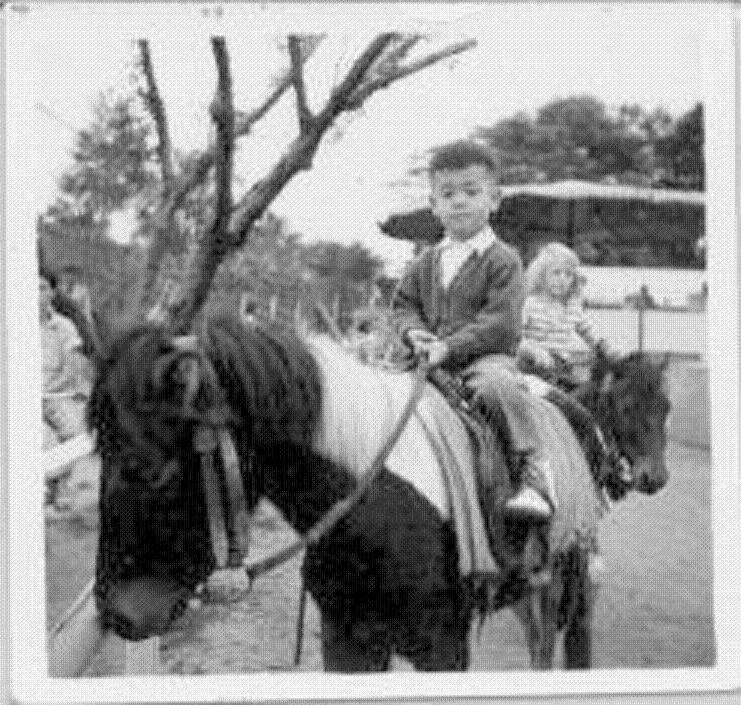
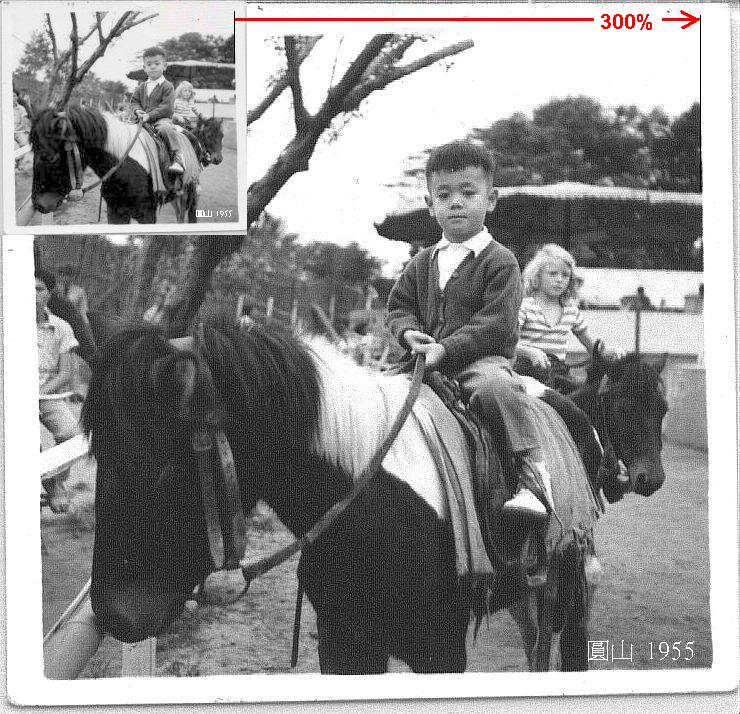
Shown below is a comparison of a 2.5"x2.5" photo scanned with 100%(actual size) and 300%.
(by the way, it is just a cheap US$90 scanner purchased in 1997)
When scanning small, old photographs,
always create
larger-than-actual-size digital images.
Image enlargement done later with computer software causes
quality degradation.
You should increase the resolution (a
scanner setting) from 100% to 200%, or 400% as
necessary.
Make the resulting
image at
least 800x600 pixels.
Shown below is a comparison of a 2.5"x2.5" photo scanned with 100%(actual size) and 300%.
(by the way, it is just a cheap US$90 scanner purchased in 1997)
Image enlargement done later with computer software causes quality degradation.